July 23, 2026 in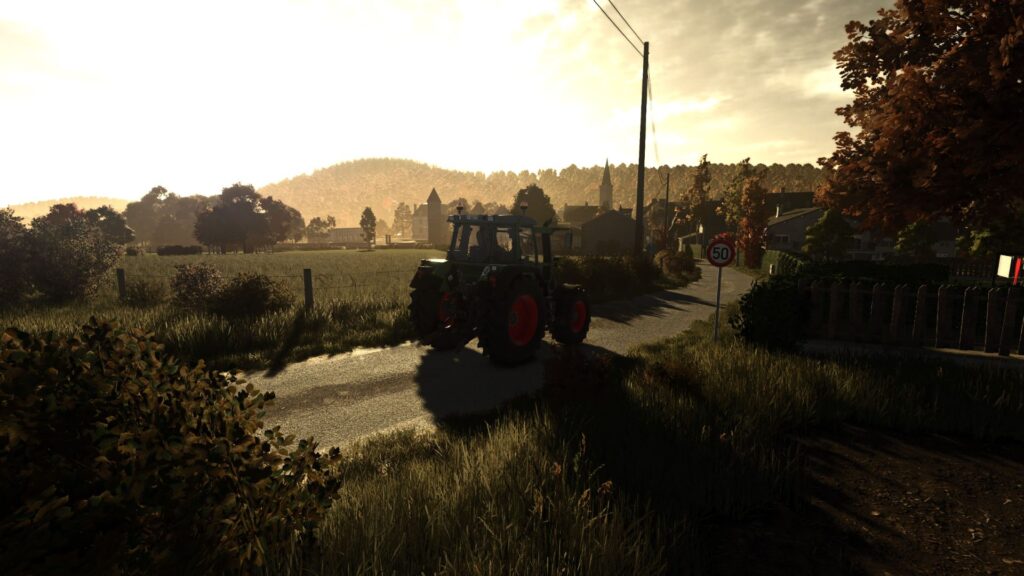
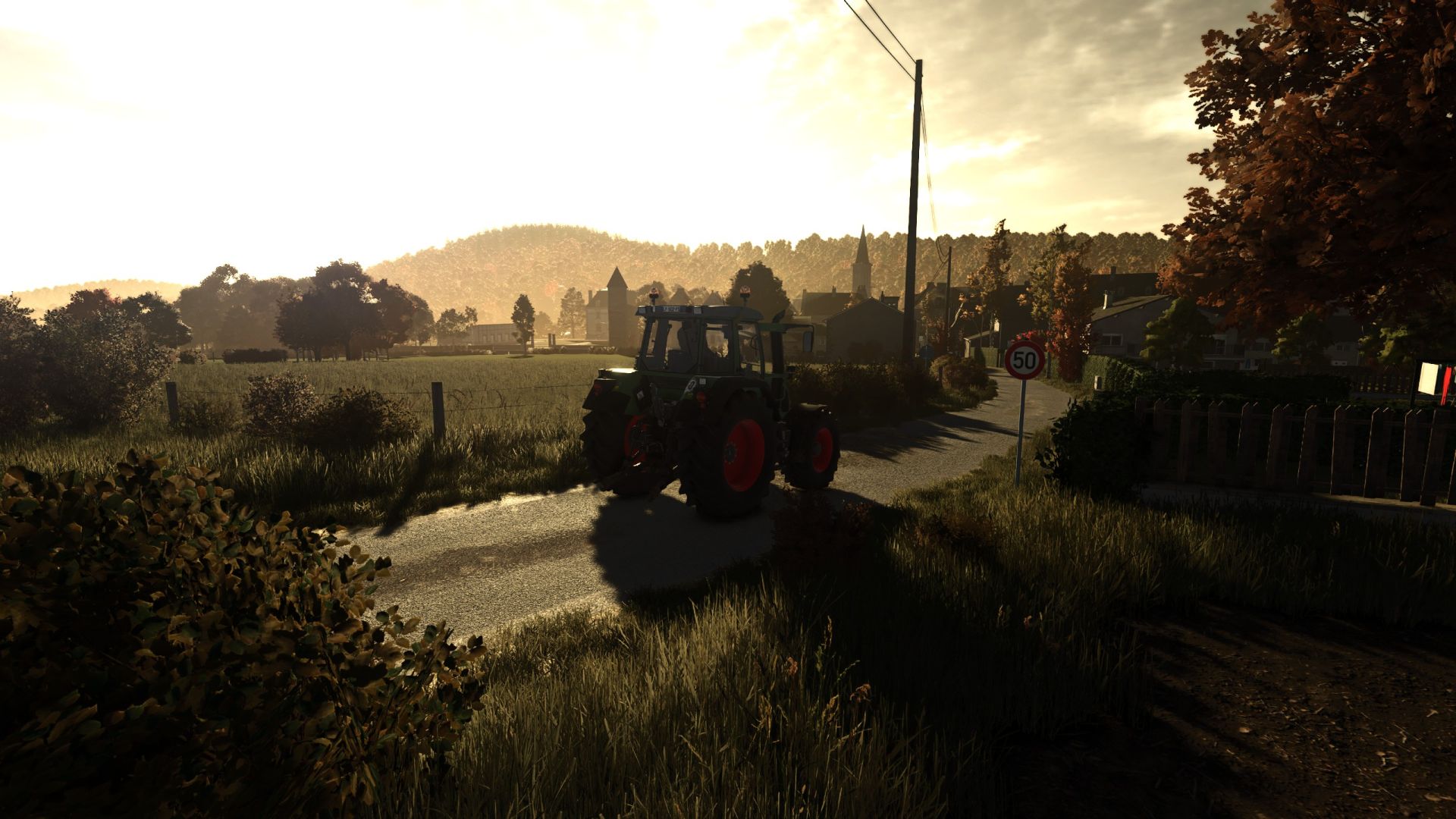
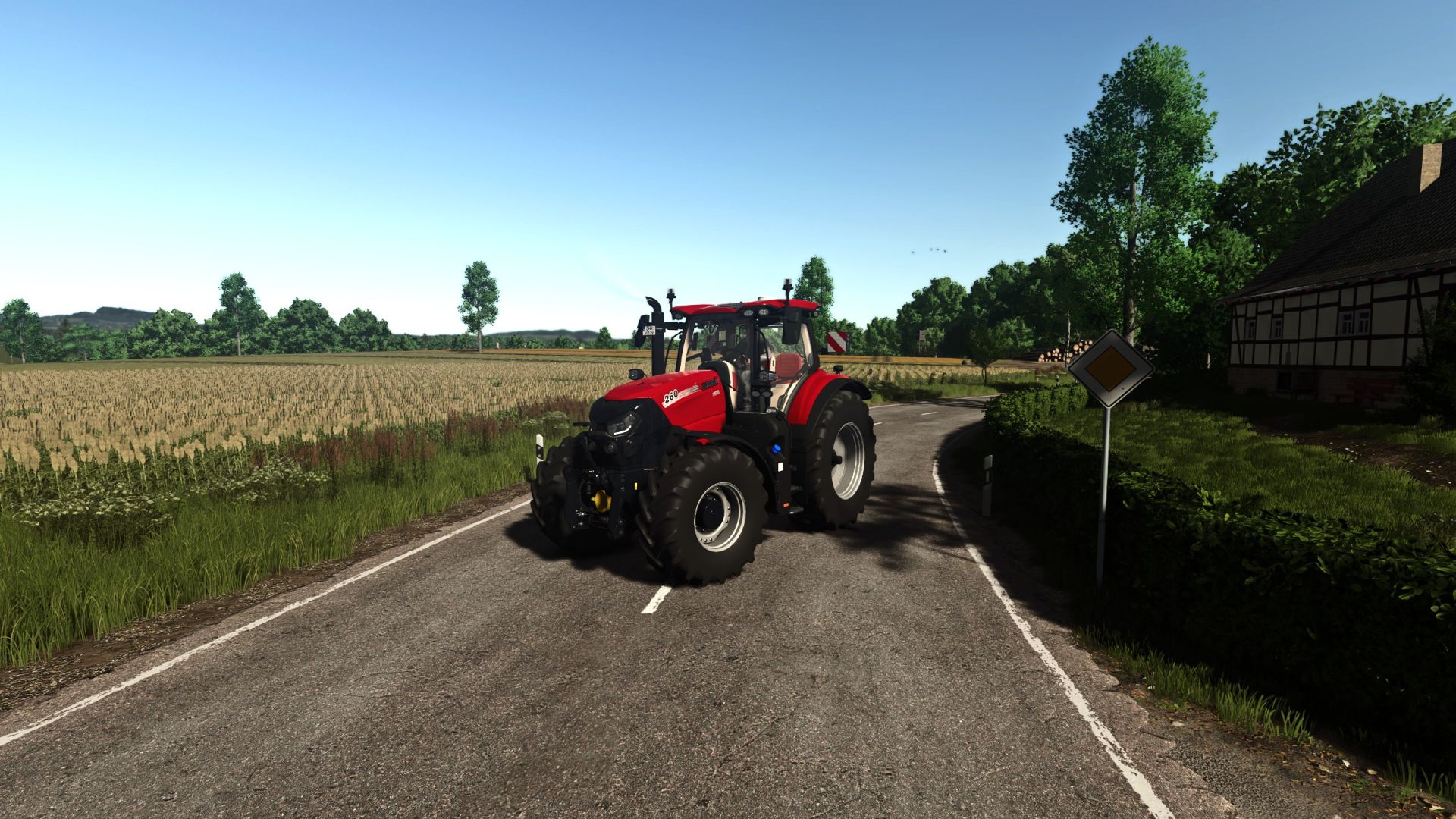
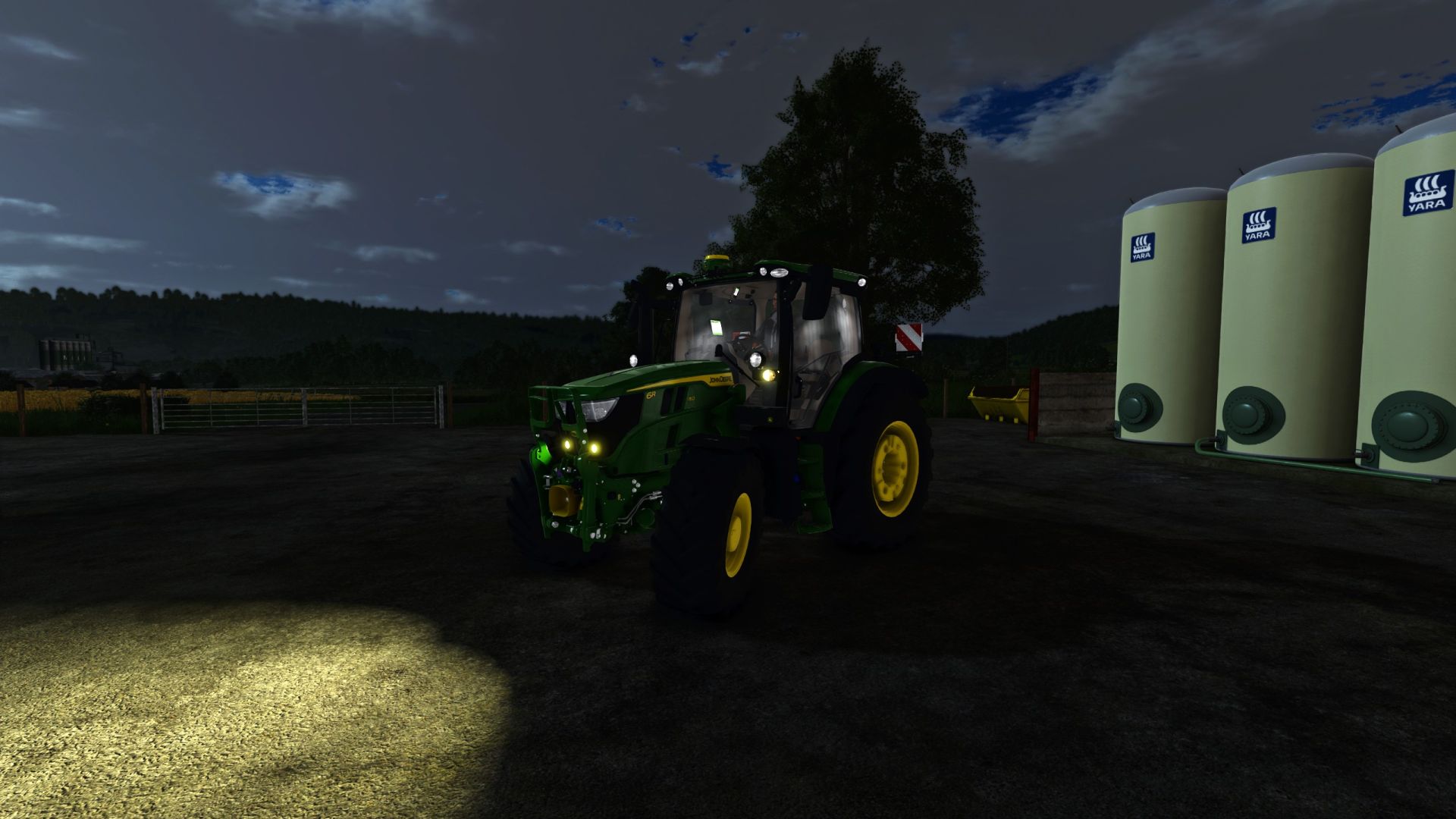
Simple warm tone realistic shader. Nothing special, just what I like and always run.
How to install:
1. Install the most recent version of Reshade
2. Download and unzip the “ThunderWarmShader.zip” file
3. Move .ini file into your “/Farming Simulator 25/x64” folder
4. Load into game and press “Home”
5. Select the “ThunderWarmShader.ini” preset
6. You should be set
Credits:
ThunderFS
Download mod
| File | File size |
|---|---|
 ThunderWarmShaderV1
|
7 KB |