July 25, 2026 in

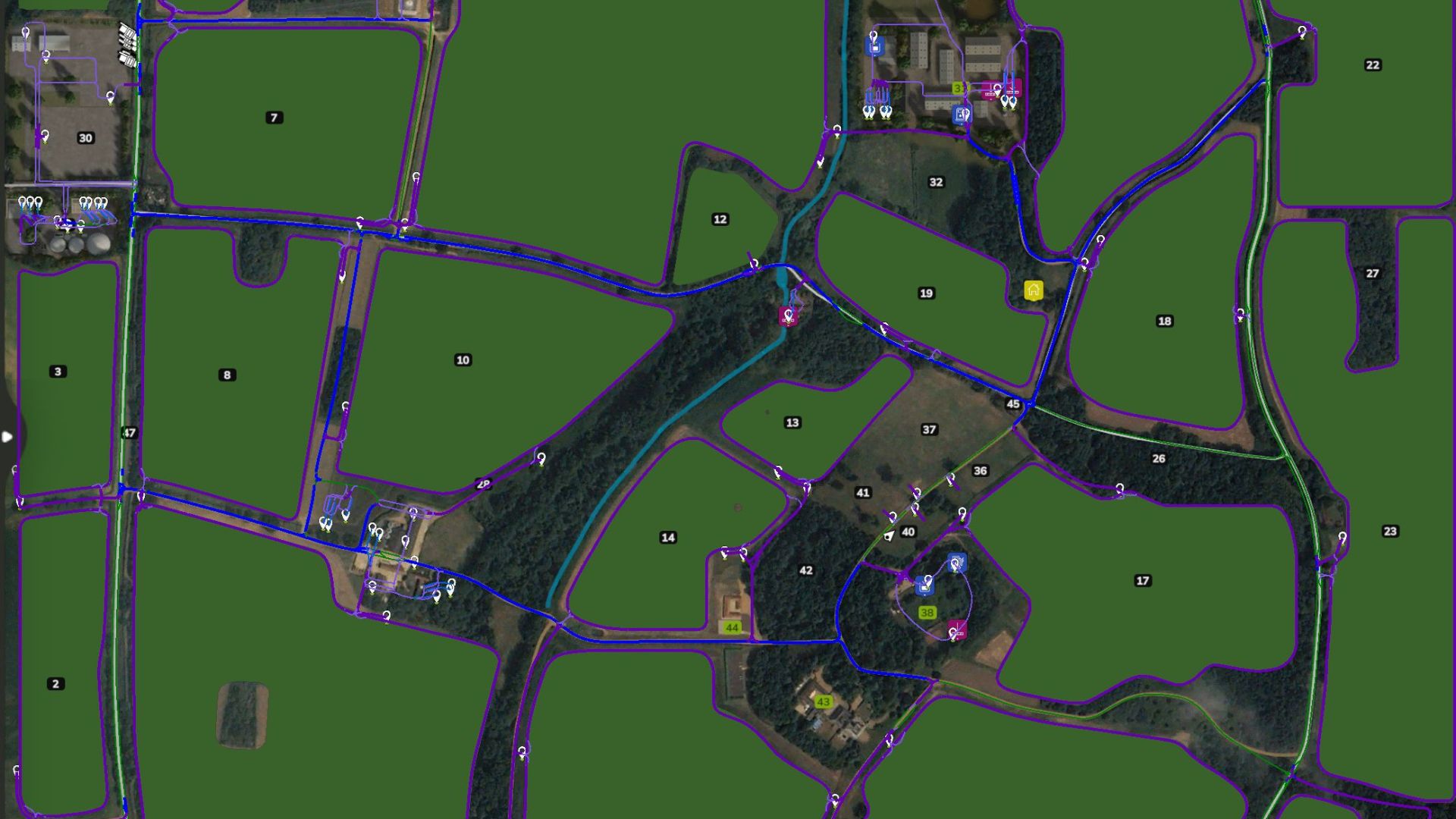
119 Waypoints covering Fields, Farms, Productions and Fill and Sell Points.
Please let us know if you find anything wrong or doesn’t work and we will try and get a fix done and new version uploaded.
Install instructions
You will need to have a game save for Saxlingham XL map with AutoDrive loaded.
– If not an old game save, open a new game save, say ‘Yes’ to the generation of an AutoDrive course on initial load in, save the game, quit and close the game.
– Find the ‘savegame #’ folder in game folder (usually documents>my games>FarmingSimulator25>savegame #).
– Open the corresponding game save folder and find the ‘AutoDrive_config’ XML File and delete it.
– Take the ‘AutoDrive_config’ file out of the ZIP folder and place in the game save folder.
– Start up the game again and load up the save game and it should all be there.
Credits:
FinnishFarmer
Download mod
| File | File size |
|---|---|
 Autodrive_Course_Saxlingham_XL_V1.0
|
171 KB |