August 23, 2025 in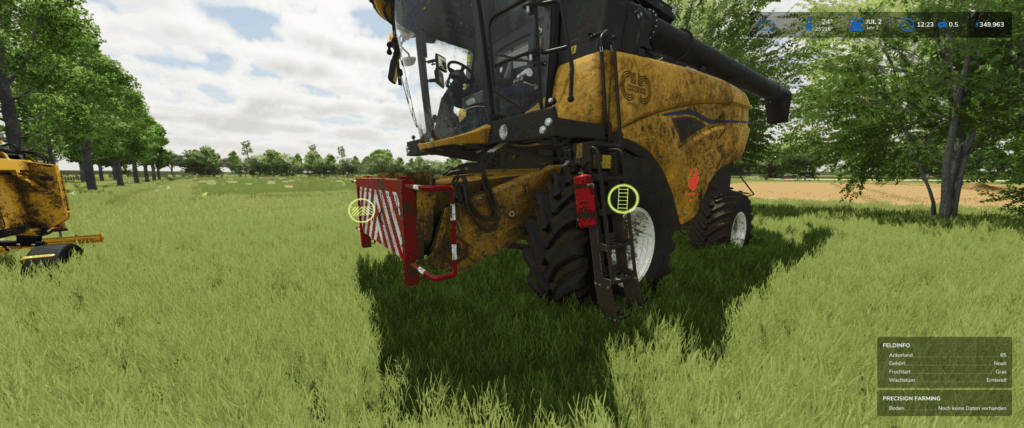


New Holland CH with Interactive Control & Real GPS
You already know my very realistic Varifeed header, and today there’s a matching New Holland CH combine harvester.
The combine harvester features: Interactive Control & Real GPS
When the boom is unfolded, a warning appears on the monitor. When the boom is folded back in, this warning disappears.
Interactive Control Outside:
– Ladder Open/Close
– Warning Sign Attachment/Removal
– Straw Chopper/Straw Swath (Animation only; to switch between swathing and chopping, you must do this as usual in the vehicle)
Interactive Control Inside:
– Ladder Open/Close
– Rotating Beacon On/Off
– Front Work Light On/Off
– Rear Work Light On/Off
– Switch between two monitors (additional IC points on the second display)
– Wiper On/Off
– Thresher Open/Close
– Engine Start/Off
– Work Mode Start/Off
– Pipe Fold In/Out
Credits:
DjB
Download mod
| File | File size |
|---|---|
 FS25_newHollandCHSeries
|
58 MB |