Changelog 1.1.0.0 (BETA):
– Changed: Mod status switched from Release to BETA. Experimental versions will now be marked as such in the changelog.- Added: Detailed in-game manual in the Help Menu (ESC). It includes control instructions, screenshots, a warning about the experimental (BETA) stage of the new features, and a startup pop-up notification.
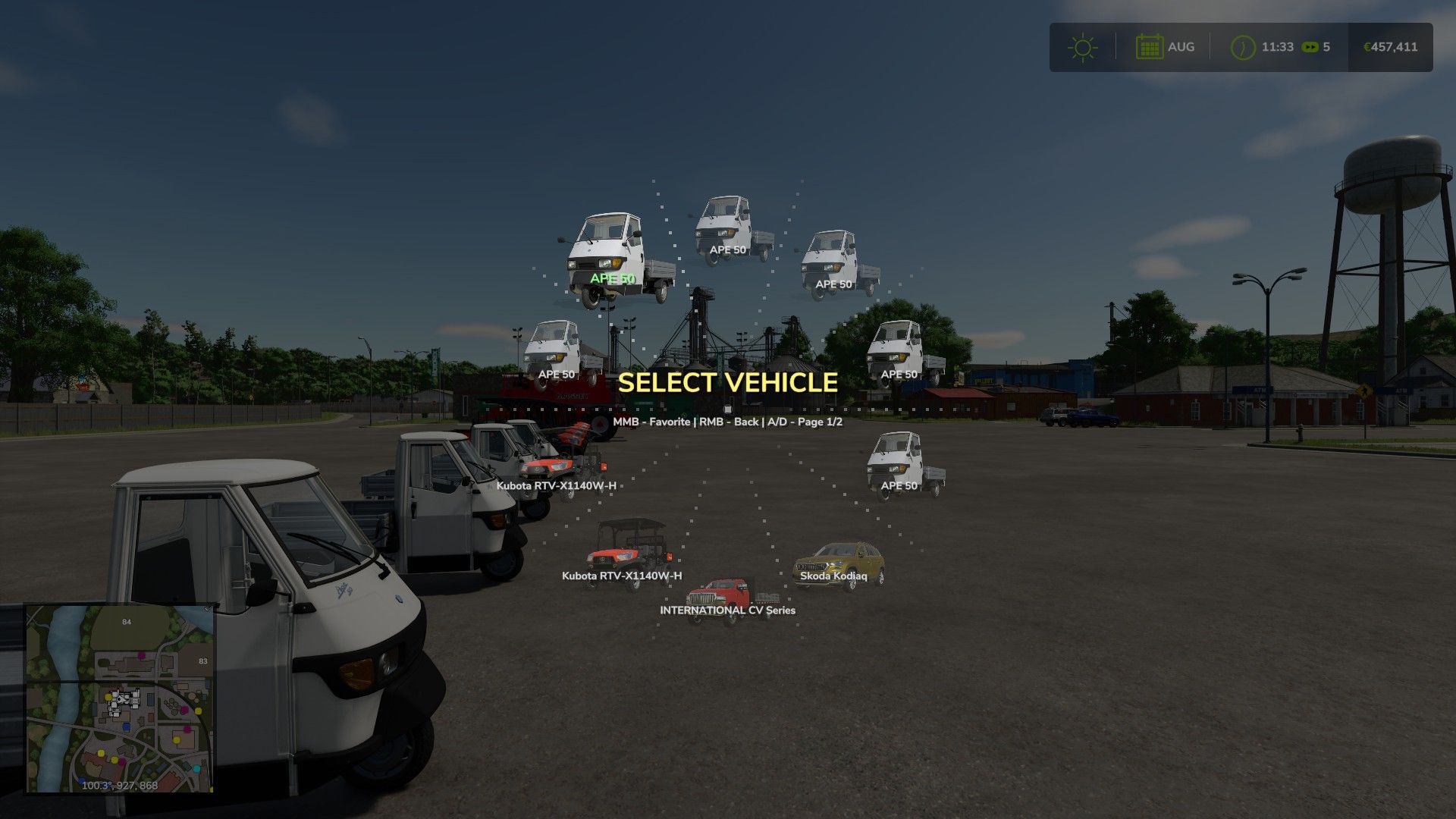
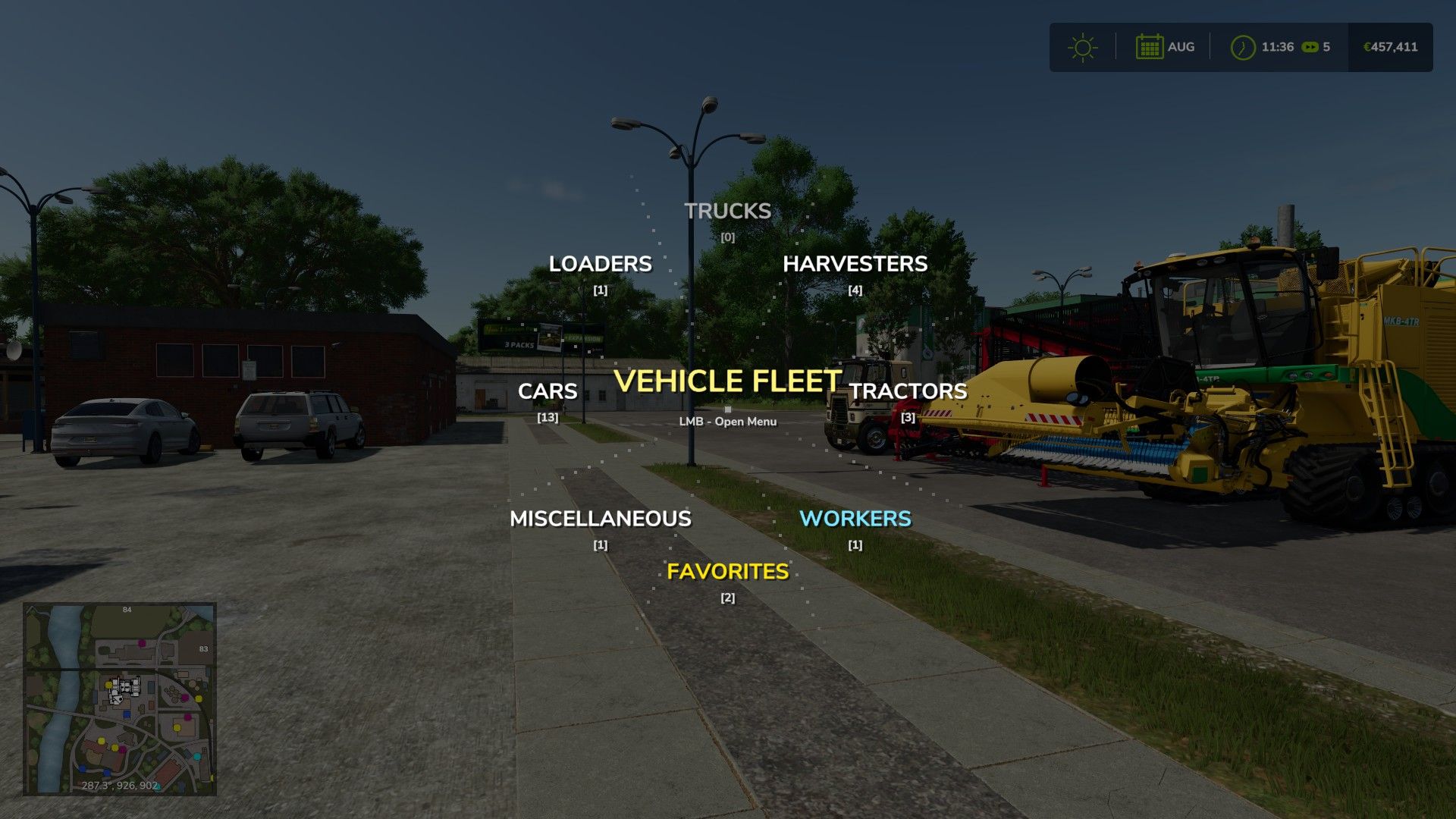
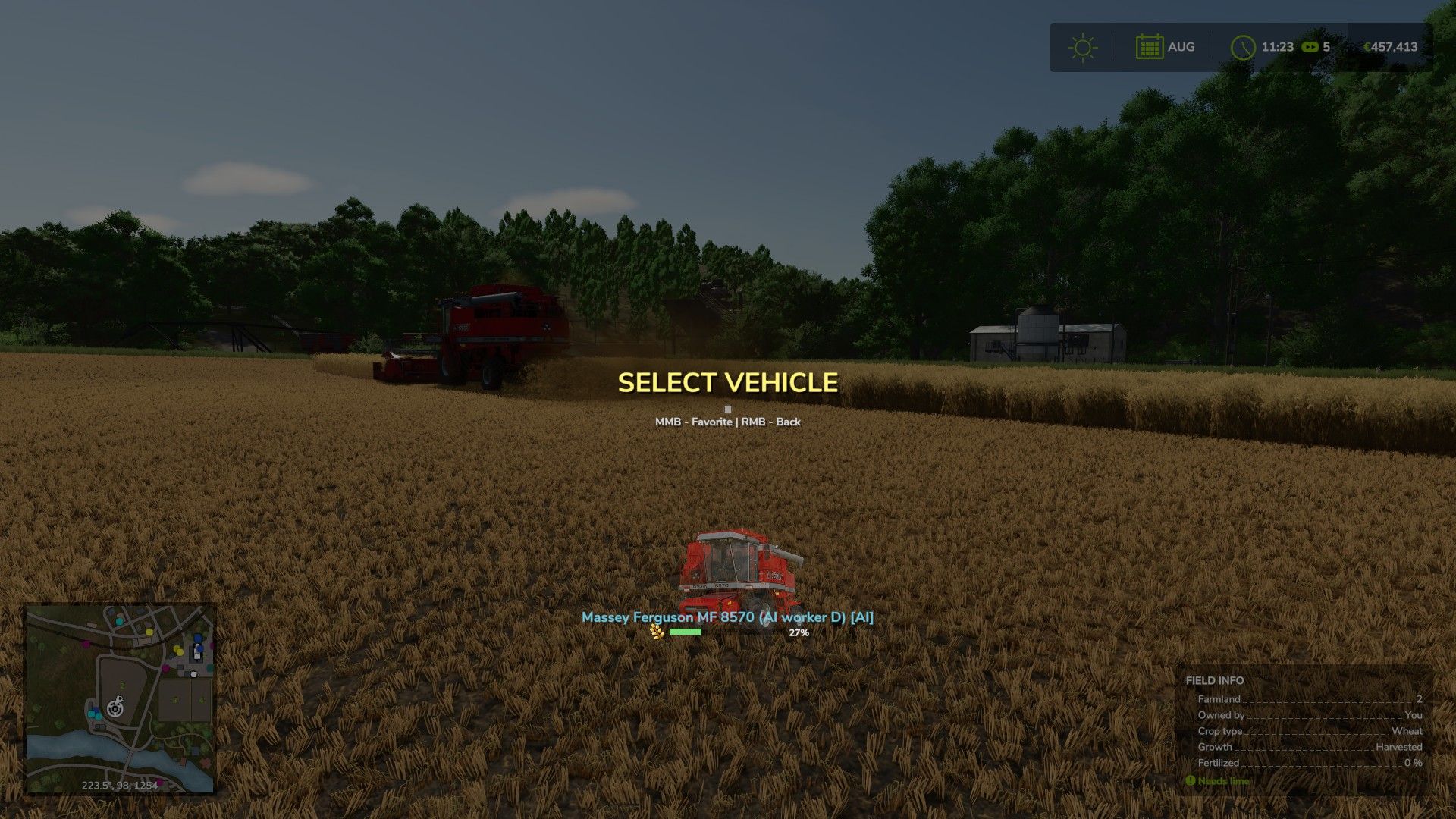
– Added: New AI command mode (COMMAND). Issue orders to hired workers directly from the radial menu (Harvesting, Sowing, Plowing, Fertilizing, Weeding and more). The menu automatically detects field state and disables unavailable tasks.
– Added: Smart field analysis. Tasks are automatically locked based on field state (harvested/not harvested, ready to harvest, weed presence etc.).
– Added: Seed switching inside the menu. In SOW mode the seeder’s crop type can be changed without closing the menu. Out-of-season crops are shown greyed out.
– Added: Separate file RadialVehicleSwitcher_AI.lua for all AI job logic.
– Improved: Vehicle categorization with fallback via typeName and spec_enterable for vehicles without a shop entry (missions, scripted spawns).
– Improved: More reliable player position detection with nil protection on rootNode.
V1.0.3.0
– Added: A brand new “Nearby” (radar) category. It locates and displays the closest vehicles to you, smartly excluding your currently driven vehicle along with all its attached implements.
– Added: UI sound effects. The menu now features satisfying audio feedback for opening, page turning, hovering, and selecting vehicles.
– Fixed: An issue with the distorted/stretched rendering of the fill type icon next to the fill level progress bar.
– Changed: Completely overhauled the sorting algorithm. Vehicles are now accurately distributed into categories by pulling data directly from the in-game Store.
– Improved: UI visual effects (added smooth animations, shaking, and flash effects upon selection).
V1.0.2.0
– Architecture: Complete transition to a modular system (Main, Data, Favorites, UI) for stability and easier updates.
– Controls: Full support for gamepad analog sticks with 360-degree radial navigation.
– Controls: All key bindings moved to modDesc.xml for configuration in game settings.
– Interface: Added display for attached equipment (trailers, headers, seeders) when hovering in the menu.
– Interface: Implemented “SmartFill” system – dynamic fill bars and crop icons for real-time monitoring of AI workers.
– Mechanics: Added selection confirmation via short hold (0.5 sec) to prevent accidental switching.
– Animation: Added smooth cascade appearance effects for menu elements and cursor inertia.
– Visual Effects: Added shake and icon color change effects when holding the select button.
– Multiplayer: Improved “Favorites” saving logic – data is now tied to a specific map/server and stored in the player’s profile folder.
– Optimization: Fixed “one-frame” angle calculation bug and optimized loading of vehicle icons from game resources.
V1.0.1.0
1. Added a custom fallback icon for third-party vehicle mods with missing or broken store images.
2. Fixed an issue where broken third-party vehicles would cause red UI errors in the game log when opening the radial menu.

 March 15, 2026 in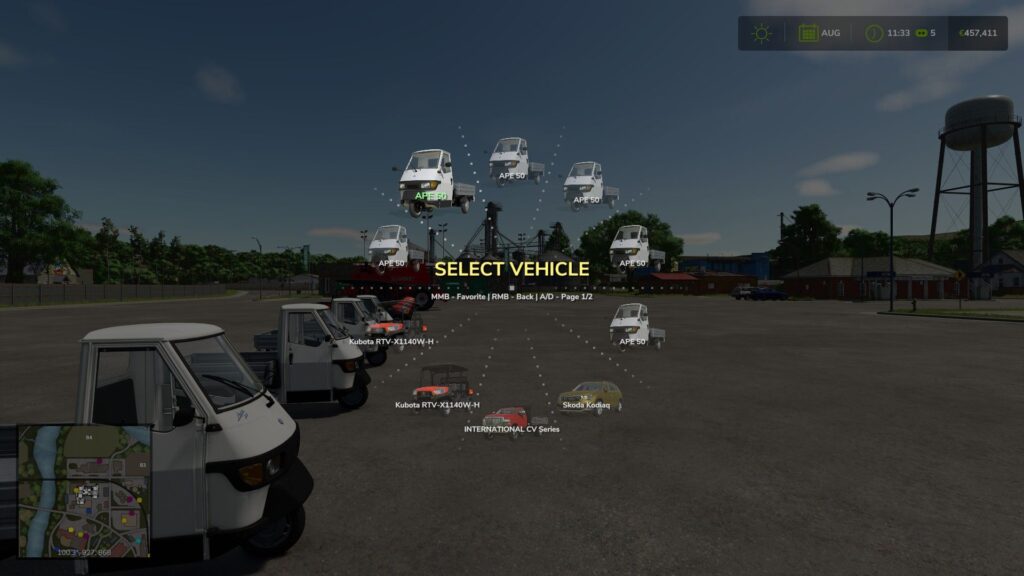
 FS25_RadialVehicleSwitcher
Hi, I know the mod is new and needs more work, but I don’t find it useful right now. If you have, for example, just one Volvo, you know which one you’re going to take, but if you have five Volvos, you don’t know which one to choose. If I want the Volvo at the potato factory, it doesn’t tell me, and I might end up choosing the one at the lumber factory. Also, the question mark on the images looks awful; I hope everything will be displayed with images in the future. That’s all I’ll say. If the mod could tell you the location of the tools or the trucks you want to choose, it would be an amazing mod!
Hello. Thank you for the feedback. I understand your point about having multiple identical vehicles, and I will think about how to implement a location indicator or a better way to distinguish them in future updates. As for the question mark images, this usually happens when a 3rd party vehicle mod is missing a properly configured store icon in its files. Could you please provide the exact names or links to the mods that are displaying the question marks so I can investigate?
If you have three identical trucks, I’d like it if clicking on one would show its position on the minimap. If you do this, it’ll become a great mod, which it already is, but I’m much faster finding the vehicle the way it is in the game. I think the mod link is this one: https://fs25.net/grimme-sl8022-quantum-autoload-v1-0-0-2/. I have many others with question marks, but it’s a huge hassle to give you all the links, haha.
When I enter the Tab key, it doesn’t work, it switch the tractors, do I need to change the keys?
Hi! To use the radial menu without issues, you need to unbind (remove) the Tab key from the ‘Switch to next vehicle’ action in the original game settings.
Once the conflict is removed, you can simply press and hold Tab to bring up the radial menu.
Also, make sure to follow the official mod page on KingMods for the latest updates and support! Thanks for using the mod.
Thank you!
Several errors in log, something to do with favorites
Hi! I’m the original author of this mod. Could you share a bit more detail about the issue, or maybe post a snippet of the log file so I can take a look? Also, please make sure you’re using the latest version (v1.0.2.0), as some issues might have already been fixed. Thanks!