BETA 5
Improved fullscreen map waypoint placement.
Fixed an issue where CTRL + left click could place the waypoint away from the selected map position for some players.
Improved detection of the active fullscreen map layout instead of using the background map object.
Improved fallback click handling for different UI/map layouts.
Fixed a HUD/menu issue where disabling the HUD from the settings menu could prevent the menu from reopening.
Improved waypoint display/runtime sync after loading a save.
Added additional support/debug handling for waypoint display repair.
Special thanks to Cavote88 for the testing, patience, and detailed feedback that helped track down the fullscreen map click issue.
Beta 4.
-fixed issue with menu not opening after disabling the HUD.
BETA 3
Removed:
Removed the experimental steering assist / auto-driving feature.
Removed vehicle steering, braking, cruise-control, and driving control logic.
Removed recorder-related leftover inputs and debug behavior.
Removed right-side notification popups from WayPoint GPS.
Changed:
WayPoint GPS is now focused only on GPS route guidance.
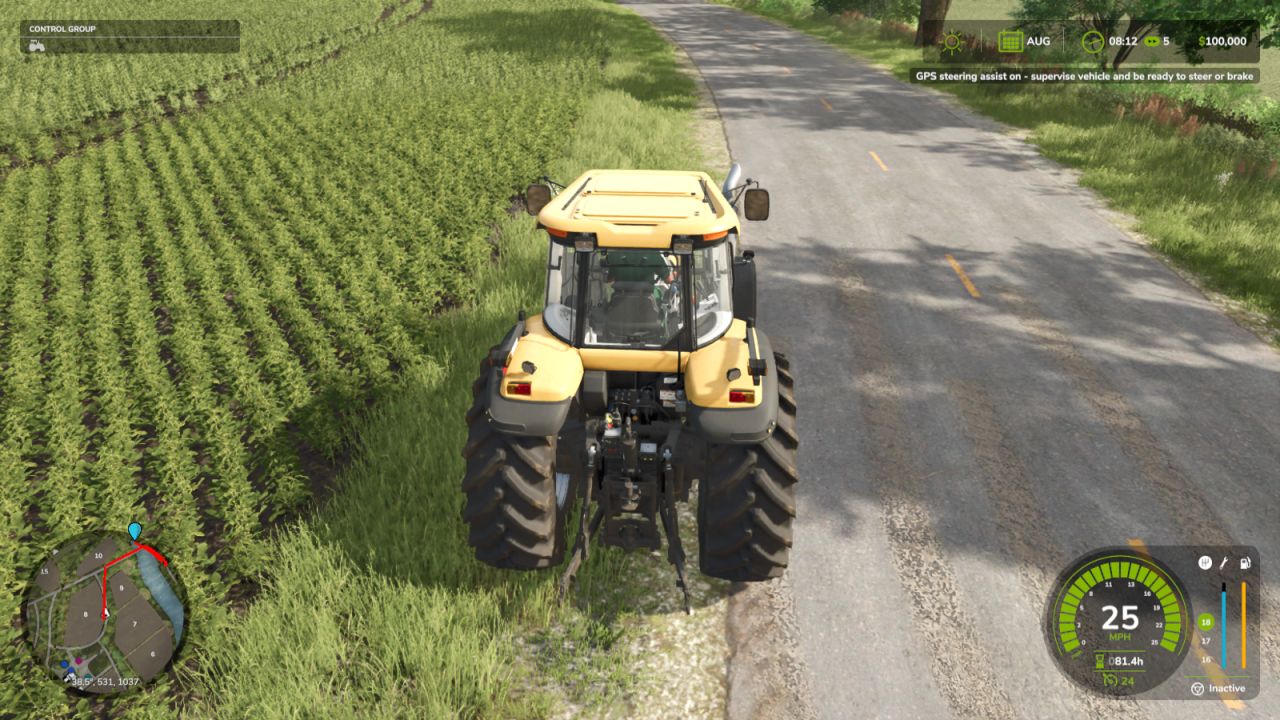
Route guidance now works as a visual navigation system only.
Route lines now trim/remove completed sections as you drive.
Improved ESC map overlay clipping so route lines no longer draw outside the visible map area.
Improved map matching so custom maps do not accidentally load the wrong bundled route graph.
Improved fallback route behavior when no matching WayPoint GPS route graph is available.
Improved route pathing to better favor roads and avoid cutting through fields.
Improved high-speed arrow behavior to reduce fast direction switching.
Improved texture handling for the on-screen arrow assets.
Added:
Added a centered on-screen direction arrow.
Added fixed arrow directions for Straight, Left, Right, and Reverse.
Added meters until the next sharp turn.
Added total remaining route distance below the turn-distance display.
Added a customizable keybind to toggle the on-screen arrow box.
Default toggle key is Alt + B.
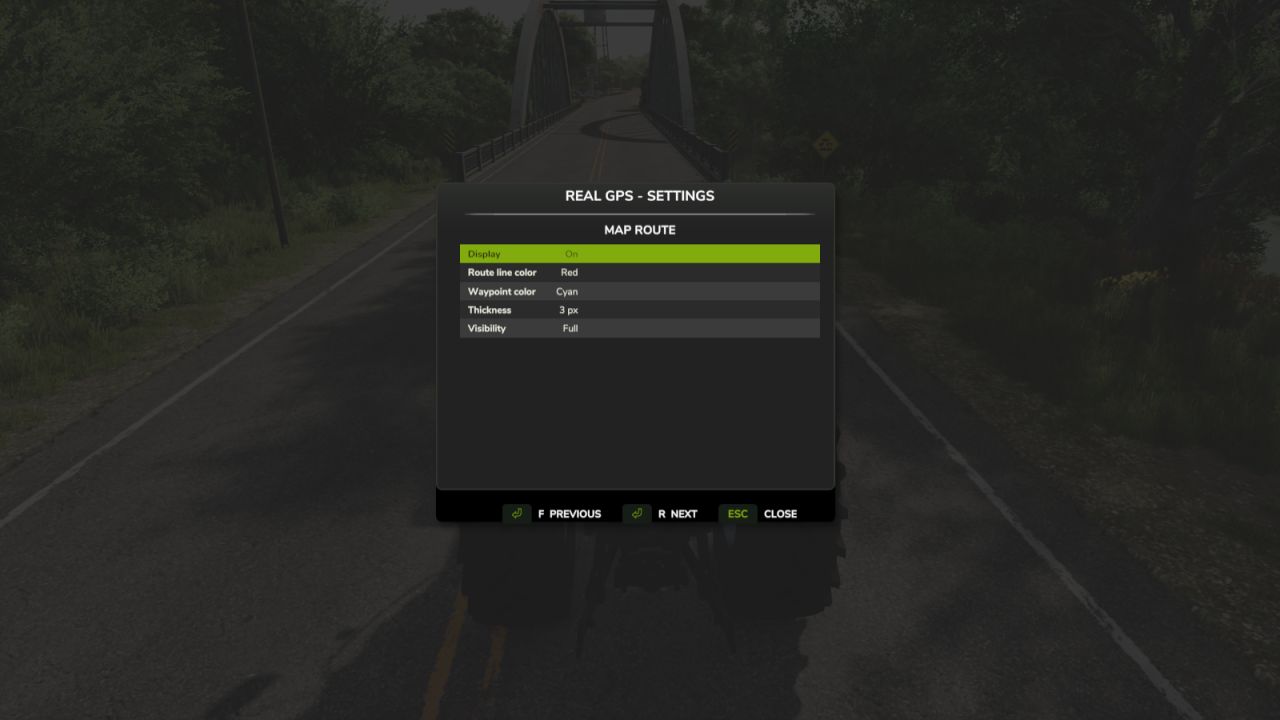
Added an on-screen arrow toggle option in the settings menu.
Notes:
WayPoint GPS does not drive, steer, brake, or control vehicles.
It remains a GPS route guidance mod only.
Multiple waypoint stops are still supported.
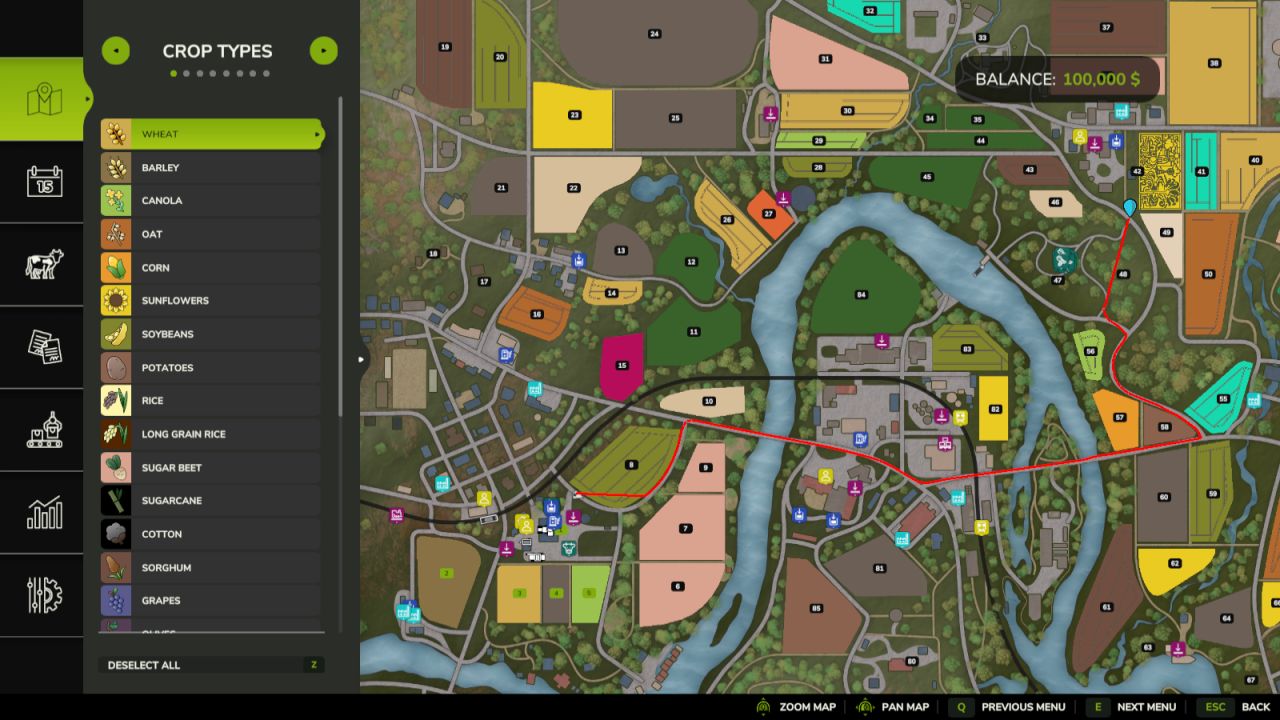
CTRL + left click on the full ESC map adds a waypoint.
SHIFT + left click removes the last waypoint.
Routes rebuild through all active waypoints in order.
When the first waypoint is reached, the route automatically continues to the next stop.
BETA 2
Added support for multiple waypoint stops.
CTRL + left click on the full ESC map now adds a waypoint.
SHIFT + left click removes the last waypoint.
Routes now rebuild through all active waypoints in order.
Waypoint pins now display for multiple stops on the map/minimap.
When the first waypoint is reached, the route automatically continues to the next stop.
Route Graph System
WayPoint GPS’s uses it’s own internal route graph format.
If a map does not have a matching WayPoint GPS route graph, the mod now falls back to the built-in WayPoint GPS routing logic.
Routing Improvements
Improved strict map matching to prevent custom maps from loading the wrong route graph.
Kept base-game route support working.
Improved routing fallback using:
AI road graph scanning
traffic/AI road splines
road-biased terrain routing
off-road/last-mile connectors
Steering Assist / Pathing
Steering assist remains experimental.
Safe-turn penalties remain active to reduce shortcutting across sharp corners.
Right-side road behavior remains enabled where route data supports it.

 June 1, 2026 in
 FS25_WayPointGPS
What’s the point? we already have in game GPS + Autodrive on PC. I did give it a try, my frame rate nose dive, and this was on Huron County 16x Map with a very high end PC.
log error error