
 July 15, 2025 in
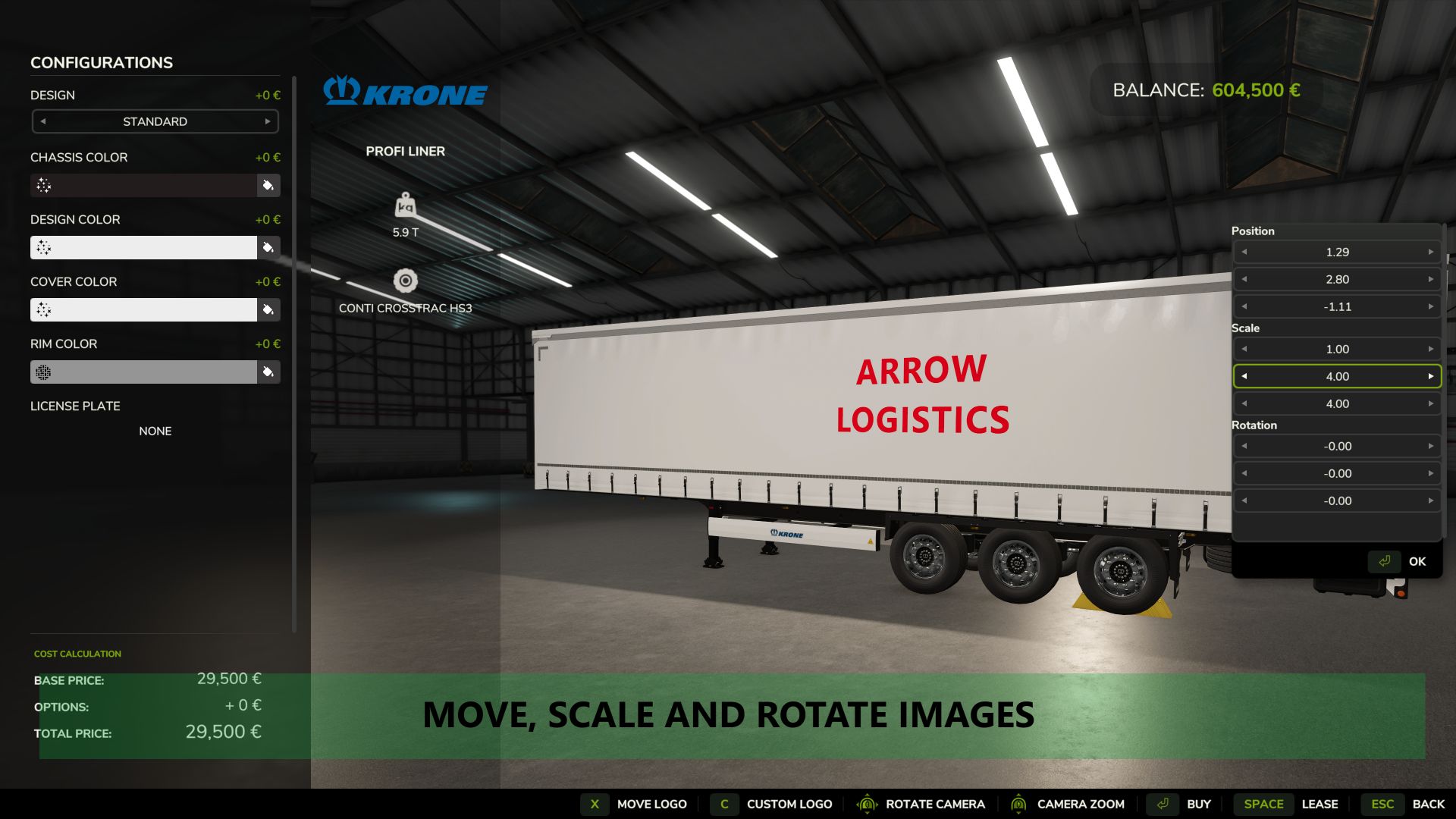
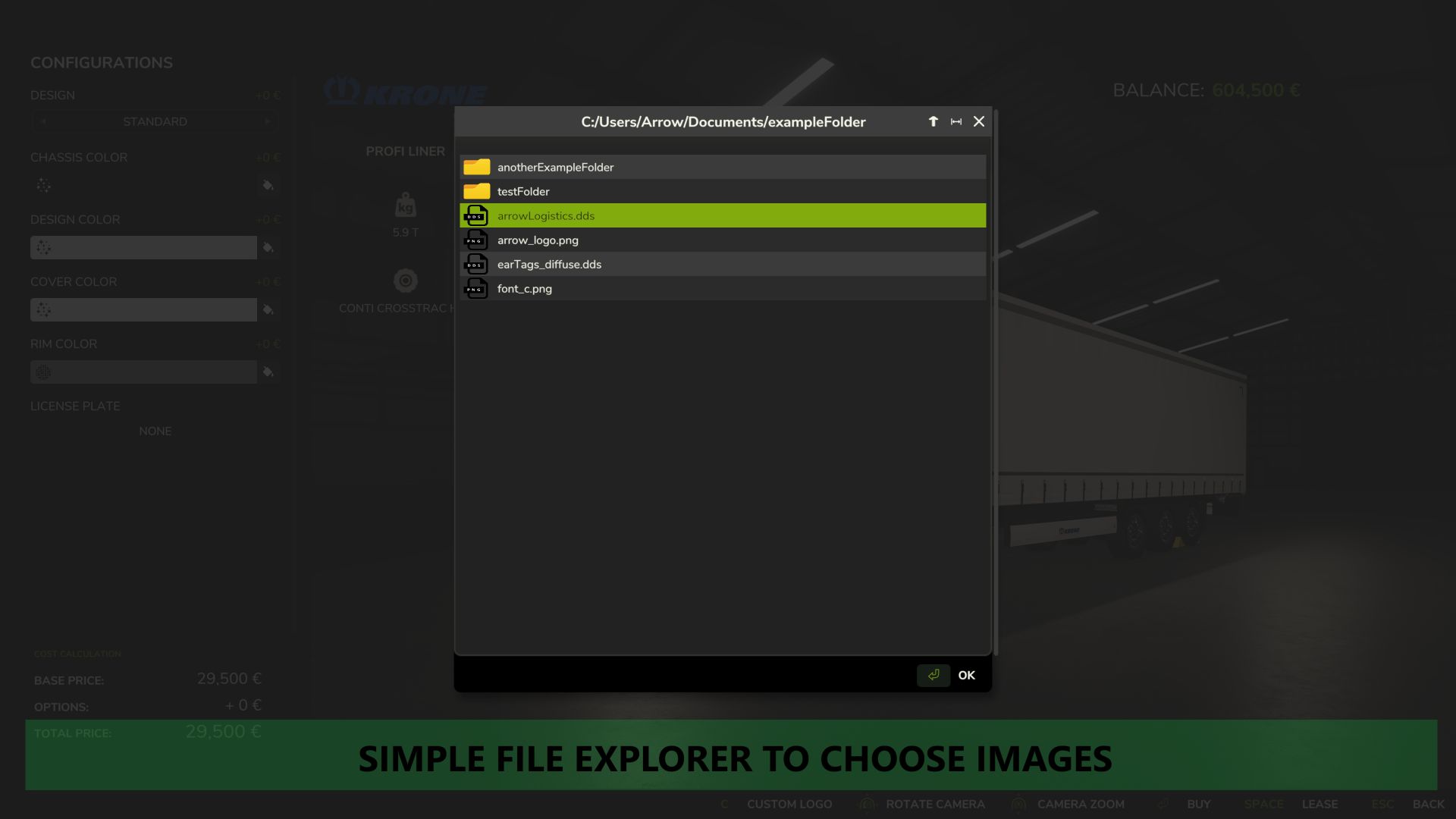

This mod allows you to put a custom image onto any vehicle using a simple custom in-game file explorer when buying a new vehicle at the shop or modifying an existing vehicle, in order to put your own logo on your vehicles. Images can be moved, scaled, rotated and mirrored accordingly.
It is recommended to use a DDS image saved in BC3/DXT5 format, ideally with mip-maps. This can be done in most image manipulators such as Gimp or Paint.net.
Multiplayer Information:
For use on servers, it is required to upload the images to the server and to all clients, inside the modSettings folder under “FS25_CustomLogos”. Any image outside the modSettings folder, or in a subfolder within this mod’s modSettings folder, will not be recognised. An example image is provided in the modSettings folder after first loading the mod.
Credits:
Arrowkb
Download mod
| File | File size |
|---|---|
 FS25_CustomLogos
|
133 KB |
Anyone get this to work on gportal?
If I slightly change the color of the equipment, the images show up in the customization menu just like they were placed before. But they do not show up in game.
Worked fine until the update, now the files don’t show in-game. They show up in the menu but not in-game
Sorry, it looks like the folder path didn’t come through correctly.
Here’s the path where I placed the DDS files:
Documents/My Games/FarmingSimulator2025/modSettings/FS25_CustomLogos
Mod doesn’t show in game after adding file to mod folder asked Moder how it works but no reply shame because think made is awesome idea and would live to be able to get it to work
If you put DDS files in the Mod folder or somewhere like that, the game probably won’t be able to load them.
Even in single-player, it’s much safer to put them in this folder:
Documents\My Games\FarmingSimulator2025\modSettings\FS25_CustomLogosOnce I placed them there, they showed up just fine — at least on my setup.
cant getit to show up in game any ideas anyone?
HOW does this work? Not enough Information! Do you have to have a Pre-made logo?
yeah, it doesn’t really tell you where and what type of file to use. i cant get it to pull up a dds file or png
The file explorer says the what directories are available when you open it…
How did you get it to load in game?
It shows up small and above the vehicle a ways, all my logos are png files 2048×2048 and they all work
I literally can’t even see the mod in game out zip fill in mod folder nothing even tried message modder no reply