
 March 23, 2026 in
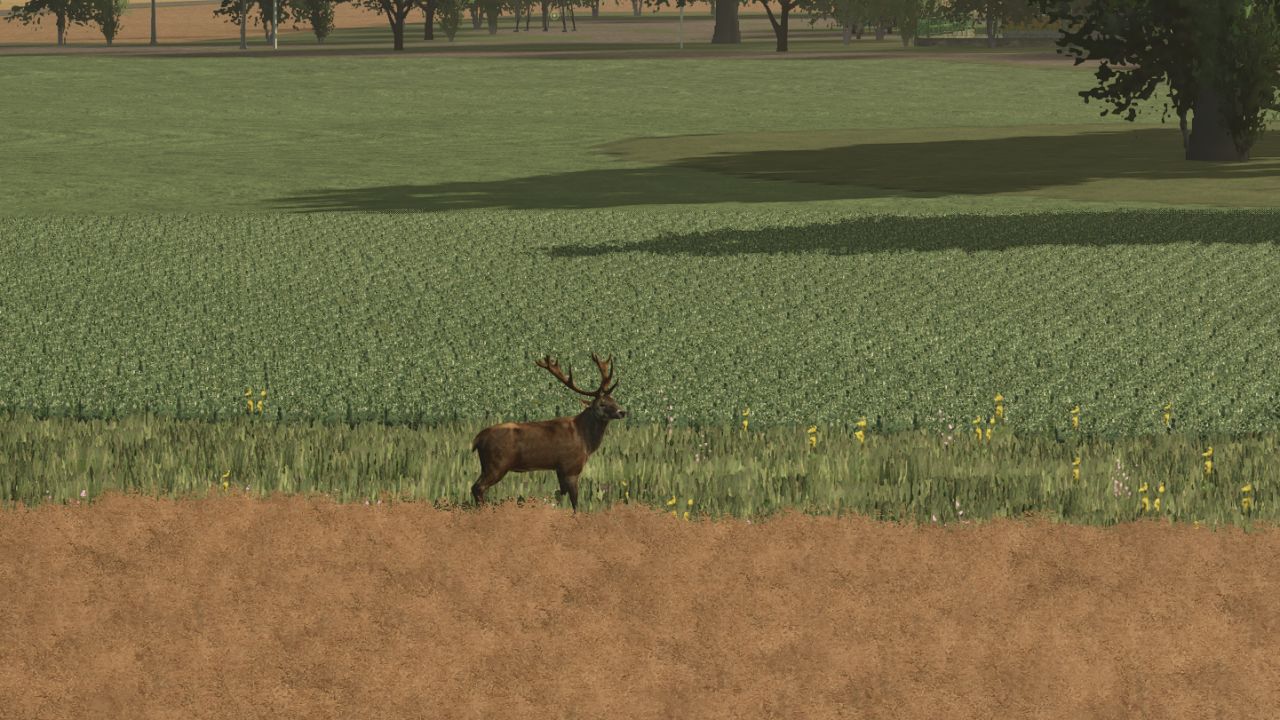

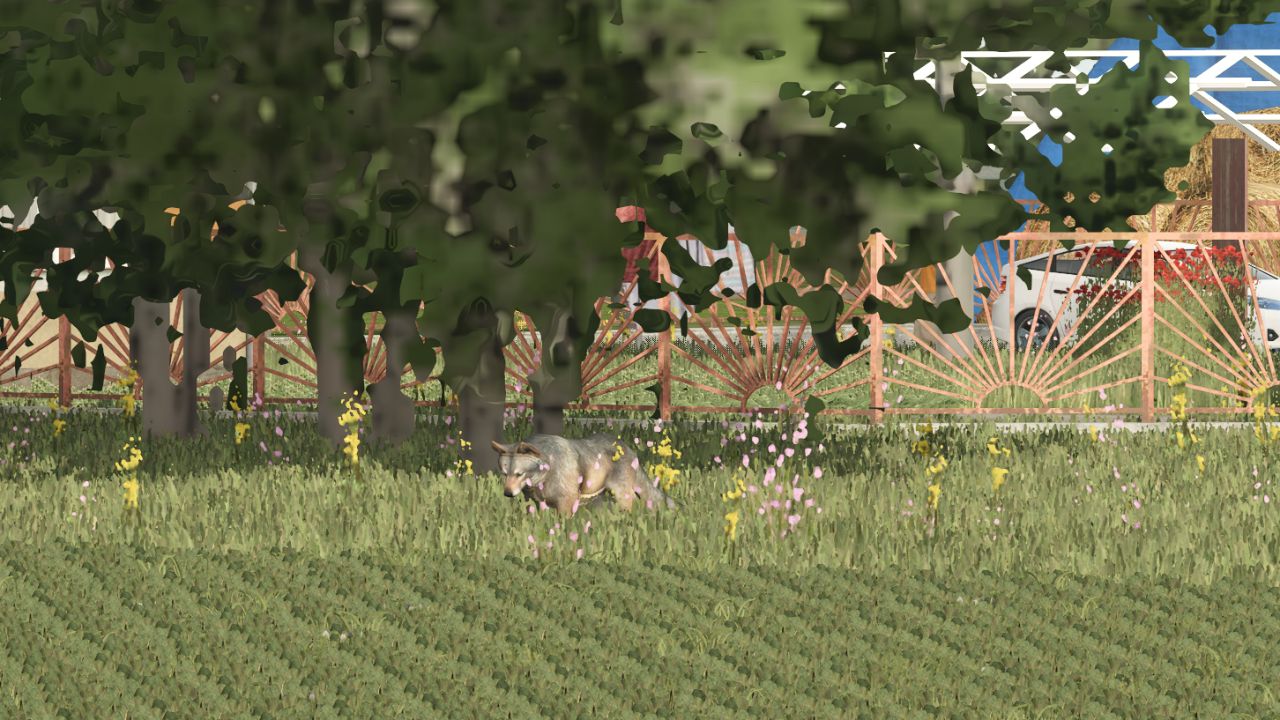
Just unpack the folders named animals and character into the farming simulator 25 data folder and overwrite them.
In the forest or on the edge of the fields, sometimes Deer, female deer, wolf, foxes, and wild boars will be born.
Really good decoration for the field as a wildlife.
Changelog:
Credits:
honved4
Download mod
| File | File size |
|---|---|
 data
data
|
28 MB |
Translation of what Stas wrote below. Just so others who might need it like I did, can have it.
How to install the mod: 1. Download the mod archive. 2. Unzip the “animals” and “character” folders. 3. Place them in the “data” folder in the root directory of Farming Simulator 25. 4. Agree to overwrite files if prompted. Tip: Be sure to back up any files you’re replacing before installing! This will allow you to restore the game to its original state if something goes wrong or you want to remove the mod.
The i3D character files are located in the (character) folder; they won’t be overwritten, but simply added to the (data) folder. In the game directory, the original (character) folder is hidden in the (dataS) file, which can’t be opened.
what type of retard brings a mod out like this with no actual directions
lonewolf i dont understand on how to get this to work?
boa noite
alguem pode me ajuda a estala ou a onde tem um totoral esplicando a estala
again, where is the DATA file (in English) please
This is fantastic!! Easy to install and looks great. Nice job!!
where is the character file because I cant find it to overwrite it
Как установить мод
1. Скачай архив мода.
2. Распакуй папки с названиями
animalsиcharacter.3. Помести их в папку
dataв корневом каталоге Farming Simulator 25.4. Согласись на перезапись файлов, если появится запрос.
Совет: обязательно сделай резервную копию заменяемых файлов перед установкой! Это позволит вернуть игру в исходное состояние, если вдруг что-то пойдет не так или вы захотите удалить мод.
i3d файлы с персонажами находятся в папке (character), она не перезапишится а просто добавится в папку (data). В каталоге игры оригинальная папка (character) зашита в файле (dataS),его не открыть.