July 20, 2026 in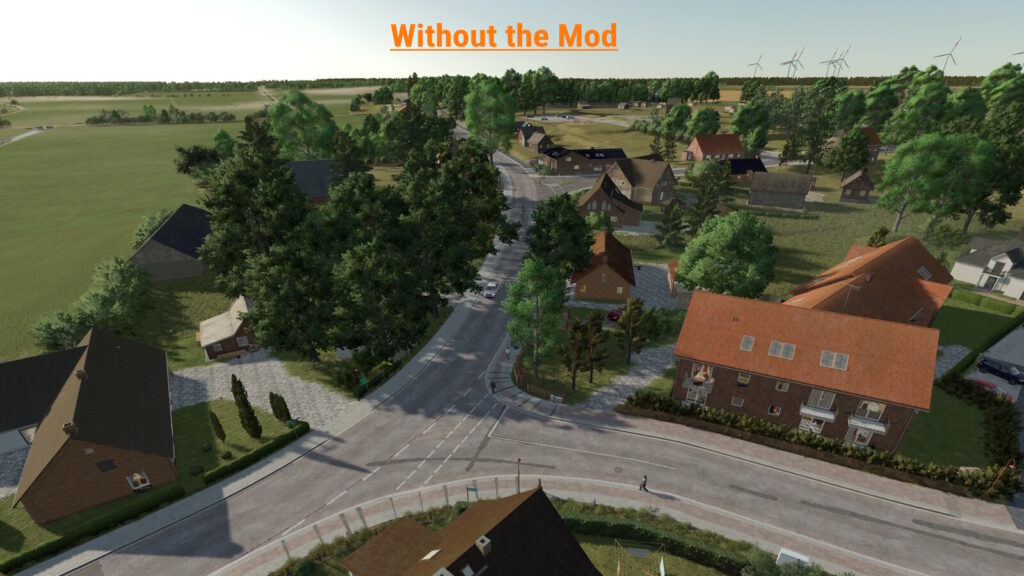
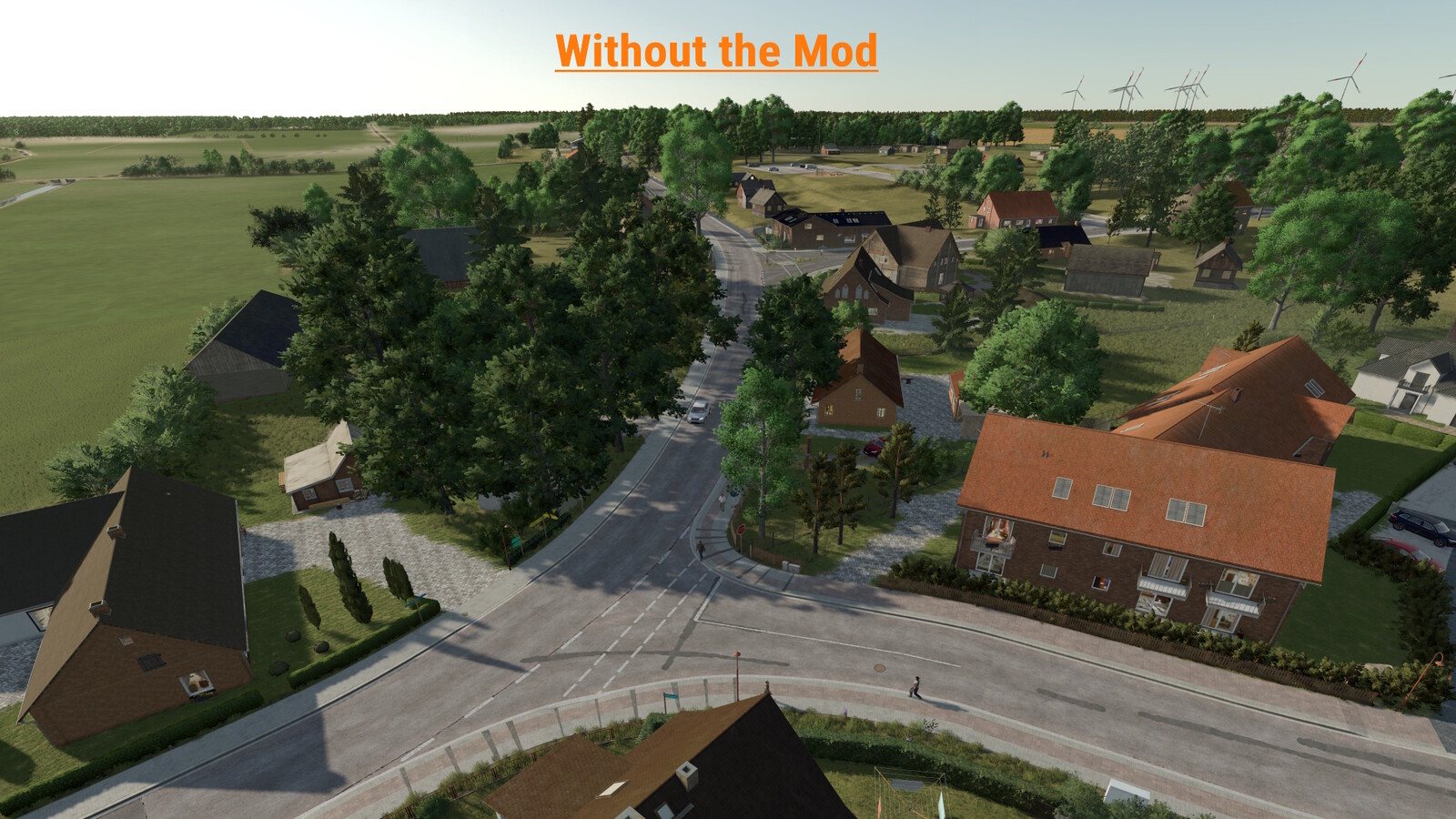
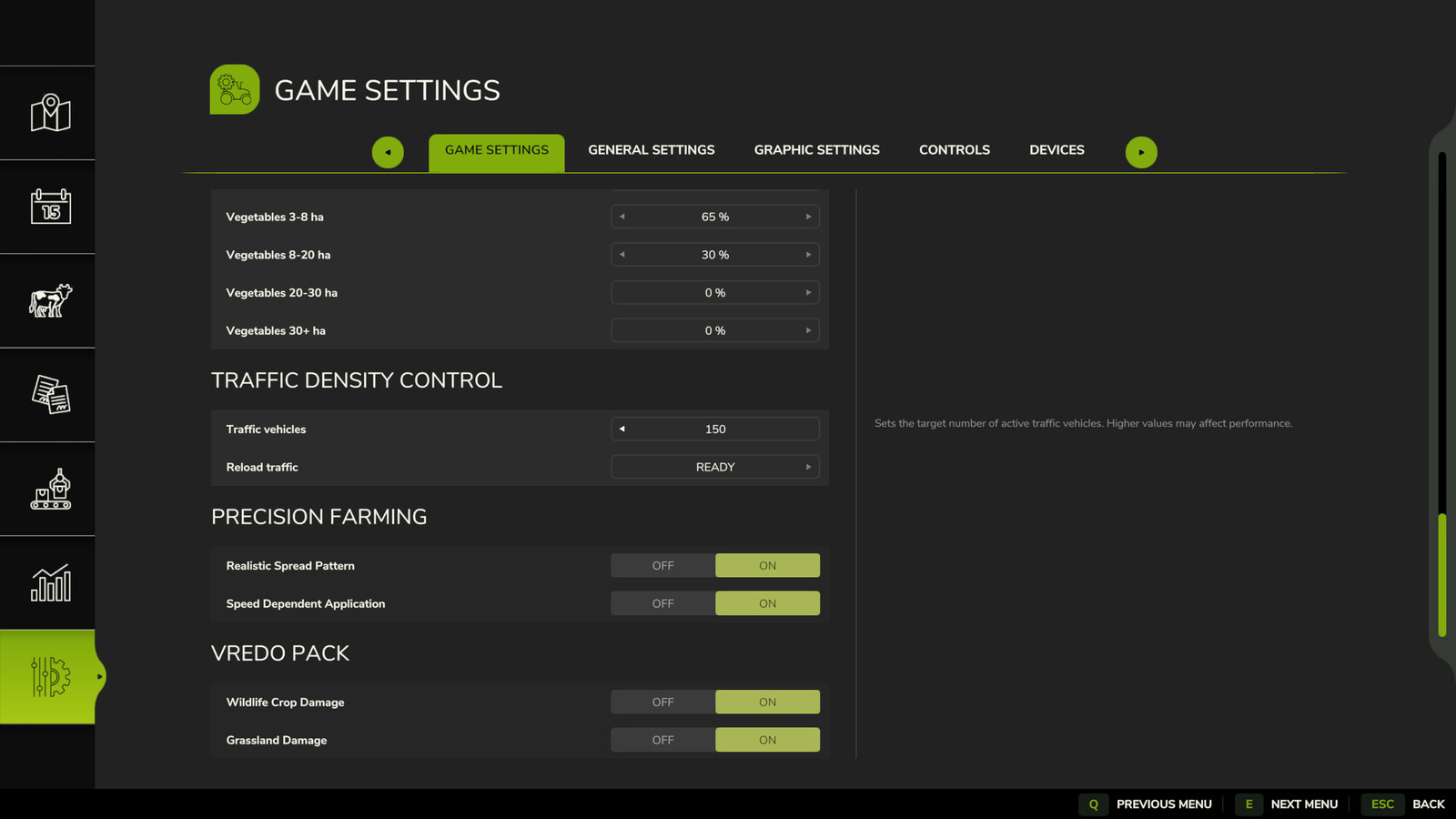
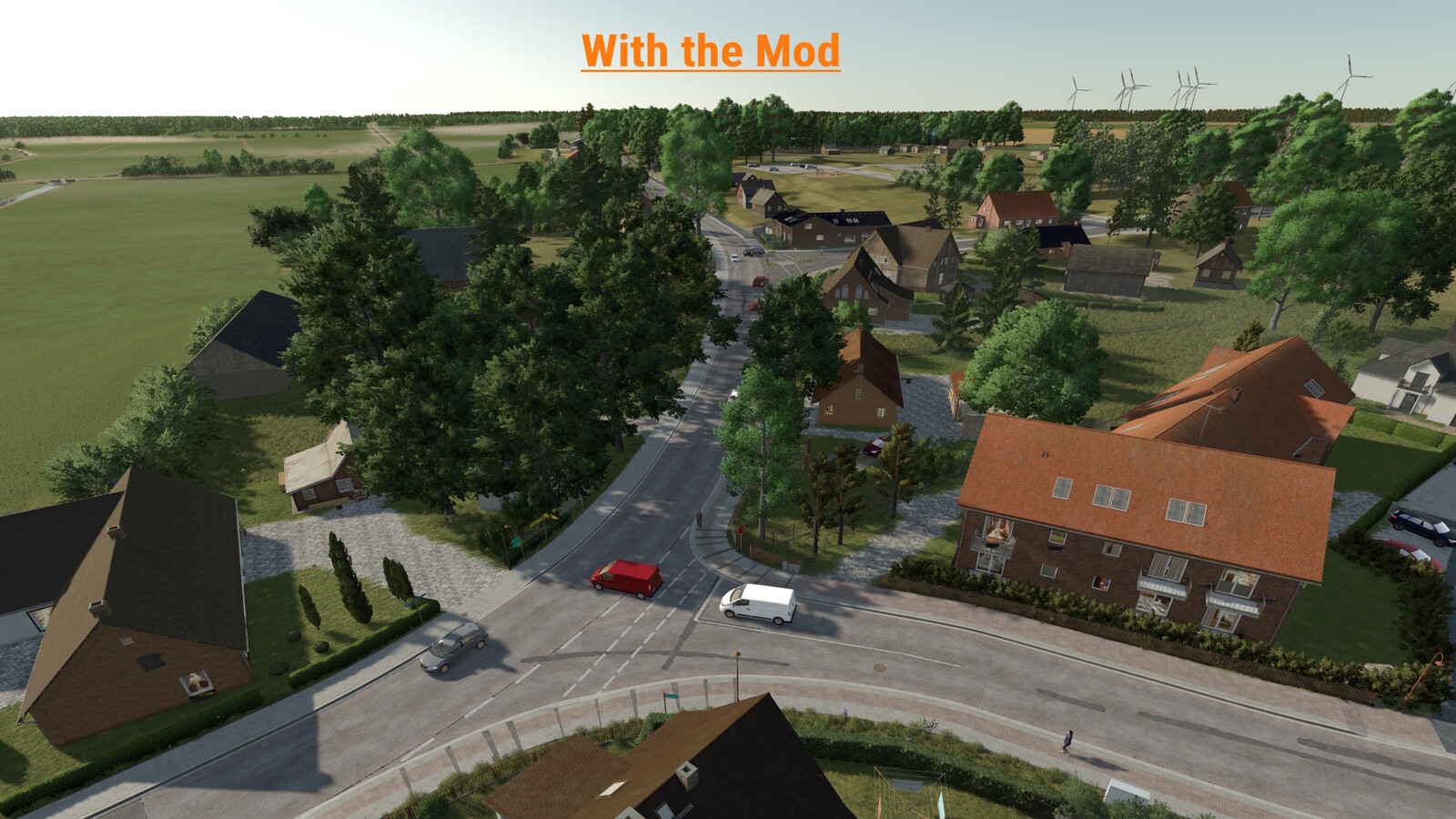
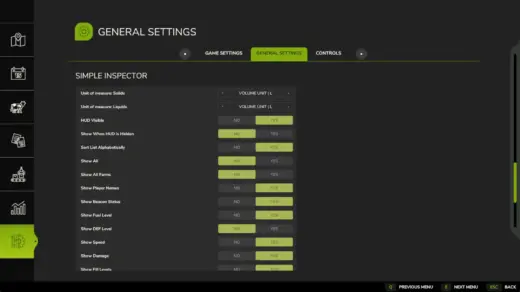
Traffic Density Control adds a dedicated section to the game settings where the AI traffic density can be adjusted.
The number of active AI vehicles can be set directly in-game. Values from 15 to 150 vehicles are possible.
A manual reload function is also available for singleplayer. It can reload the AI traffic once if needed,
for example when vehicles are stuck or traffic behaves unusually.
In multiplayer, only the host or an admin can change the number of AI vehicles.
For the change to take effect, the server must be saved and restarted once after adjusting the vehicle count.
Important note:
A higher number of AI vehicles can, depending on the map, system performance and gameplay situation, cause performance issues, traffic jams or unusual AI traffic behavior.
Therefore, increase the value carefully and test the setting individually on each map.
Credits:
Razak
Download mod
| File | File size |
|---|---|
 FS25_TrafficDensityControl
|
105 KB |